


Today we will talk about the autonomous linear detector SPLAV L50GSM
SPLAV L50GSM is designed to protect the perimeter or boundary of the site in outdoor and indoor conditions. For more information about the technical characteristics, advantages and features of the detector SPLAV L50GSM, see PRODUCTS on our website. And in this article we will talk about the detector from the point of view of the consumer who received the detector for use.
So, the detector SPLAV L50GSM is passive, that is, it does not emit anything, but only "observes" - it receives the reflection of infrared (thermal) radiation from objects, objects, living beings and the environment.
The field of view of the detector is very narrow, but due to this, a significant "farsightedness" of detecting an intruder is achieved - up to 50 meters (and for the L70 modification - 70 meters, respectively). In fact, the detection sector is a beam with an angle of about 3°, which can be represented by a line, therefore the detector is called linear.
The detector is self-contained - it runs on battery power. Due to the use of high-tech low-current components, it can operate without recharging for up to 2 years.
The GSM prefix means that a GSM module is installed in the detector and the alarm signal is transmitted over the GSM network to a cellular network device - smartphone, telephone, GSM receiver, GSM modem.
Removing the detector SPLAV L50GSM from the box:
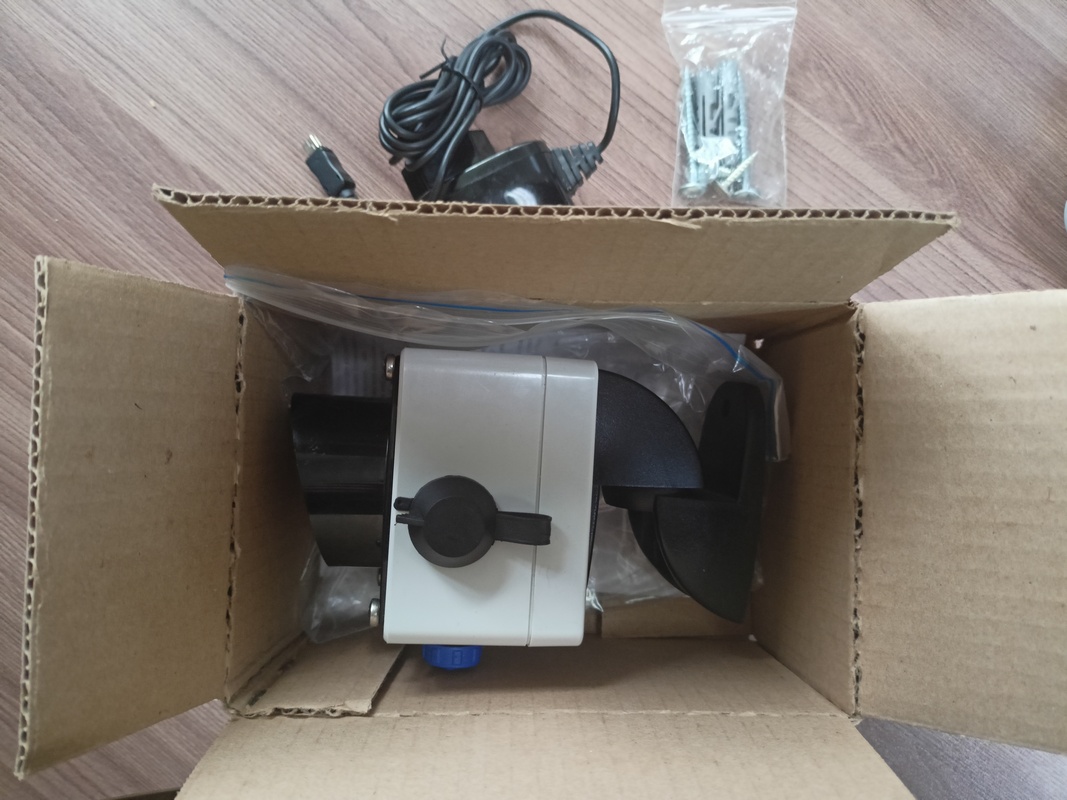
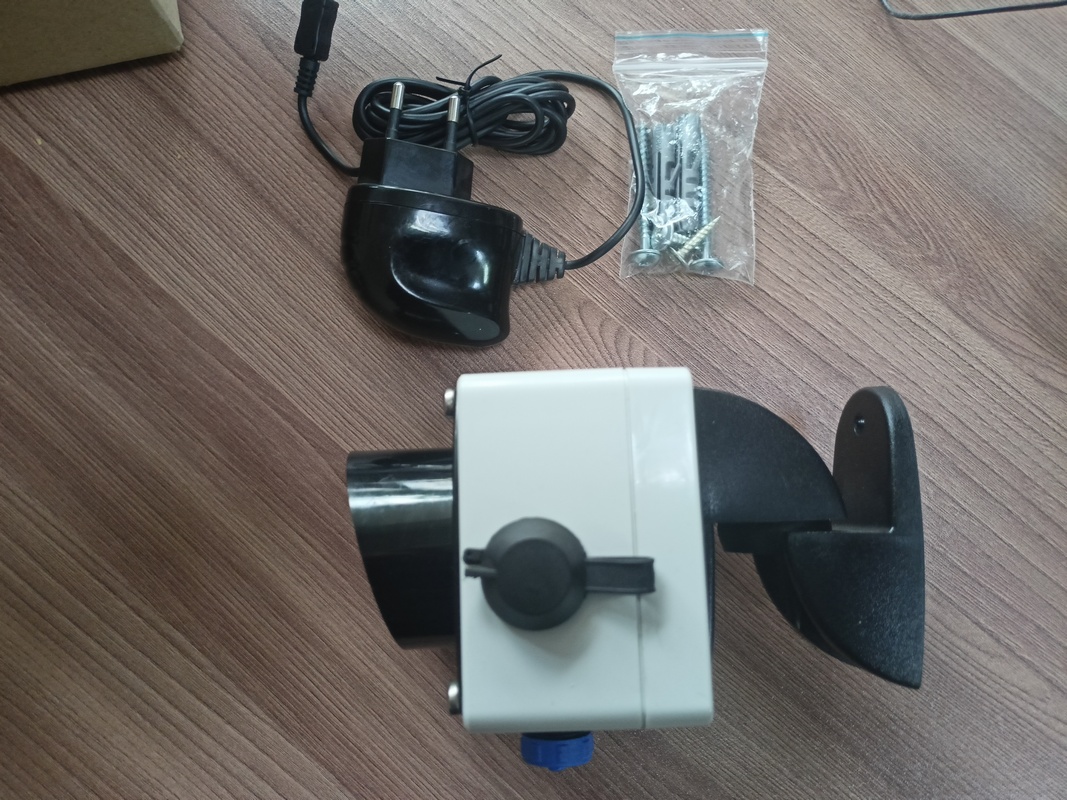
The detector SPLAV L50GSM is supplied as standard:
- the detector itself;
- charger with miniUSB connector;
- set of keys (2 pieces);
- user manual;
- mounting kit (dowels and screws), if equipped with a bracket for mounting on a wall or support;
- the battery, which can be packaged separately, or can already be installed inside;
- packaging.
We take the detector out of the box:
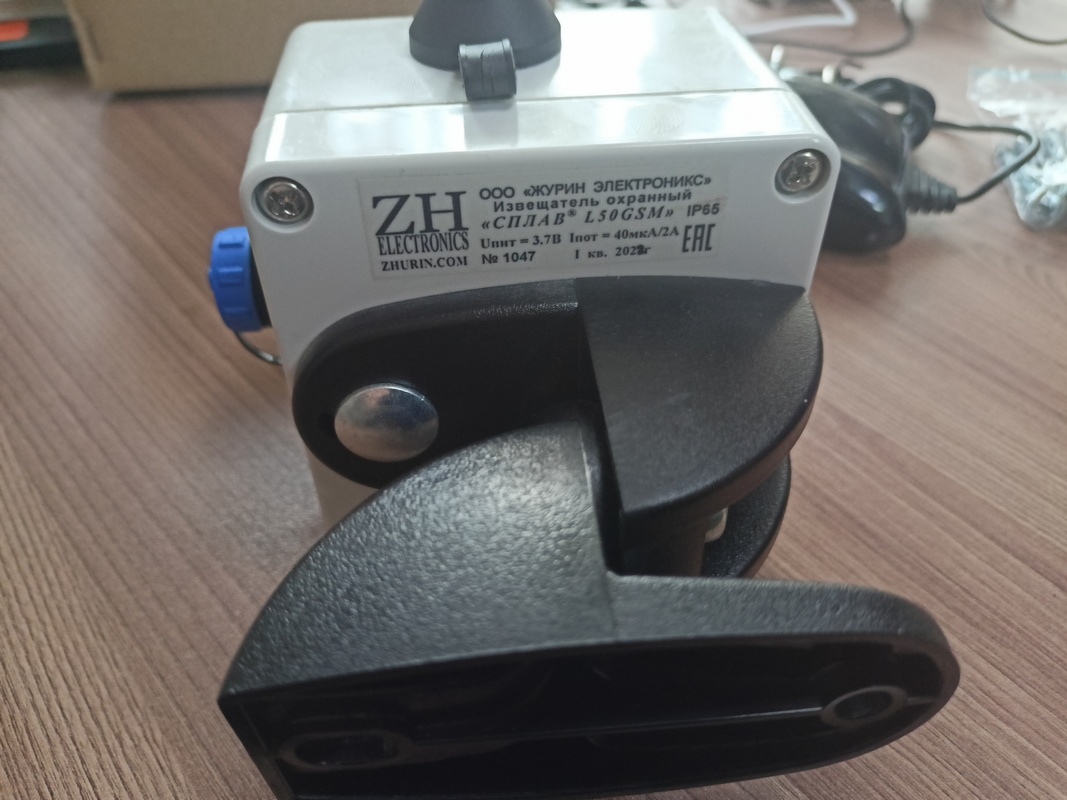
Please note that any detector manufactured by ZHURIN ELECTRONICS Co., Ltd has a sticker with the serial number, brand and product name, company logo, contact information for consultations and requests for warranty cases.
By the way, all photos are clickable to enlarge.
To use the detectorSPLAV L50GSM, it is necessary to perform certain actions beforehand:
First, prepare a SIM card, which you need to purchase yourself. Save the phone numbers on the SIM card using your phone or smartphone, to which an alarm will be sent if a perimeter intruder is detected.In total, you can assign three alarm numbers. It does not matter in which order these numbers are stored, but it is important that in the phone book on the SIM card, the subscriber with the name "1" must have a phone number that will be used to dial the detector SPLAV L50GSM in case of alarm or SMS first of all. Accordingly, subscribers named "2" and "3" must contain phone numbers for dialing into the second and third queues (if it was not possible to reach subscriber "1"). In total, only three numbers can be used - subscribers "1", "2" and "3" (names without quotes, only numbers).
The balance and tariff plan of the SIM card should allow making calls over the cellular network and sending SMS messages. An internet connection is not required for the detector to operate.SPLAV L50GSM.Almost all mobile operators have tariffs for smart devices with a minimum monthly payment.
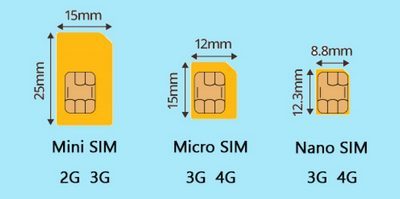
The detector uses a container for a "Mini SIM" sized SIM card (far left in the picture below). Therefore, if other SIM installation formats are used in your smartphone, then save the frames from the SIM card for use in the detectorSPLAV L50GSM.
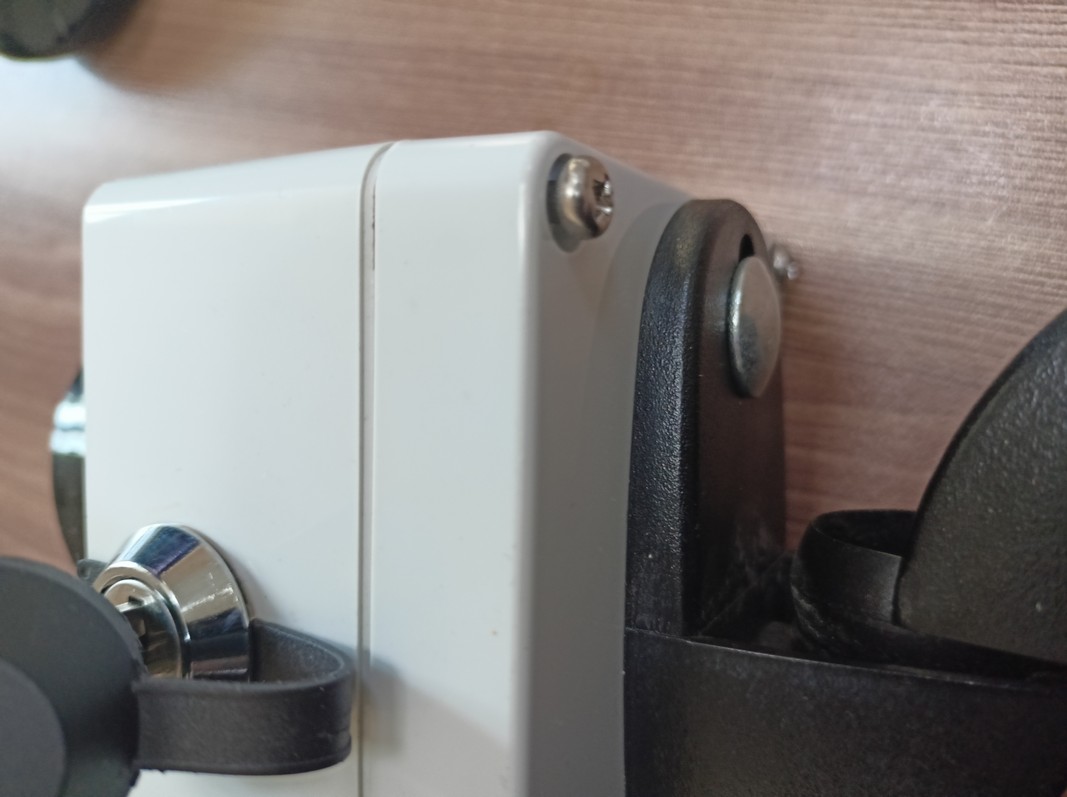
After preparing the SIM card, you can start opening the detector to install the SIM card and the battery (if the battery is packaged separately). In order to open the detector, it is necessary to unscrew the four screws on the back of the detector (where there is a sticker with the logo of ZHURIN ELECTRONICS Co., Ltd.
There is no need to remove the screws completely, just unscrew them as shown in the photo below:
To the left of the battery mount, there are two jumpers labeled "LED" and "MODE F1". We'll talk about them later, just remember where they are located.
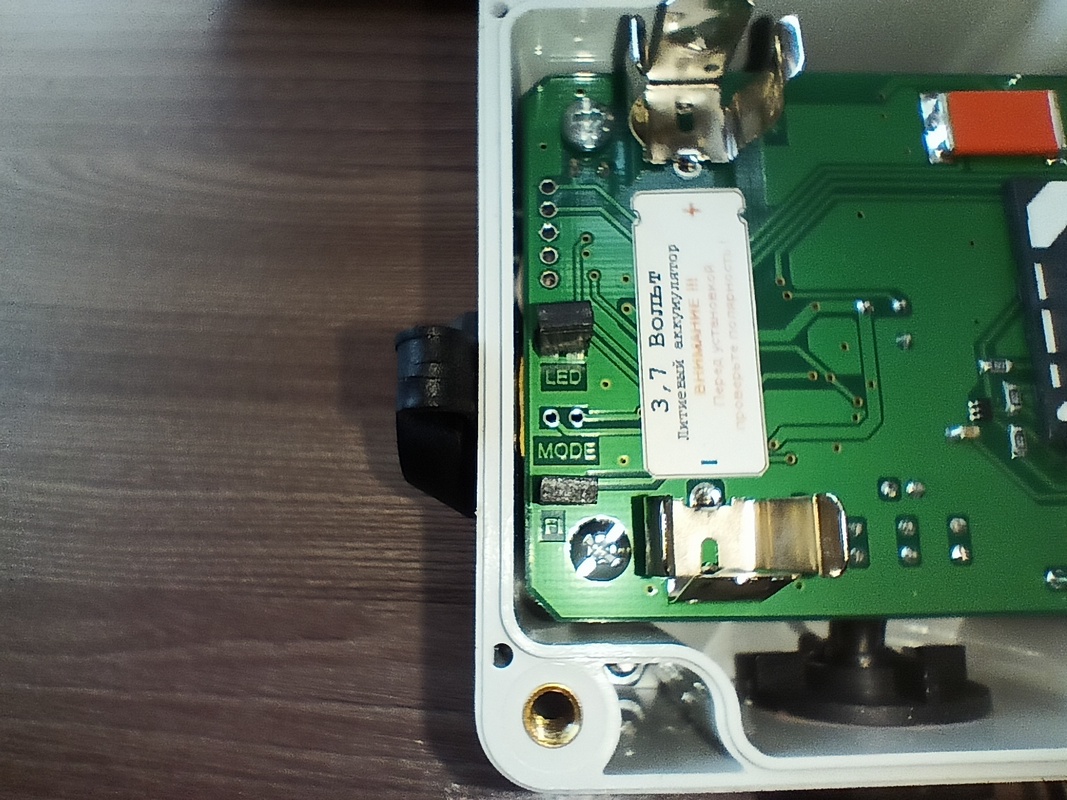
You can install the battery first, or you can install the SIM card, the order does not matter. The main thing when installing the battery is not to confuse the polarity. There is a sticker on the board that indicates the polarity with the symbols "+" and "-", as well as the marking of the battery, if it needs to be replaced.
To install the SIM card, you need to move the cover of the SIM card compartment 1-2 millimeters up:
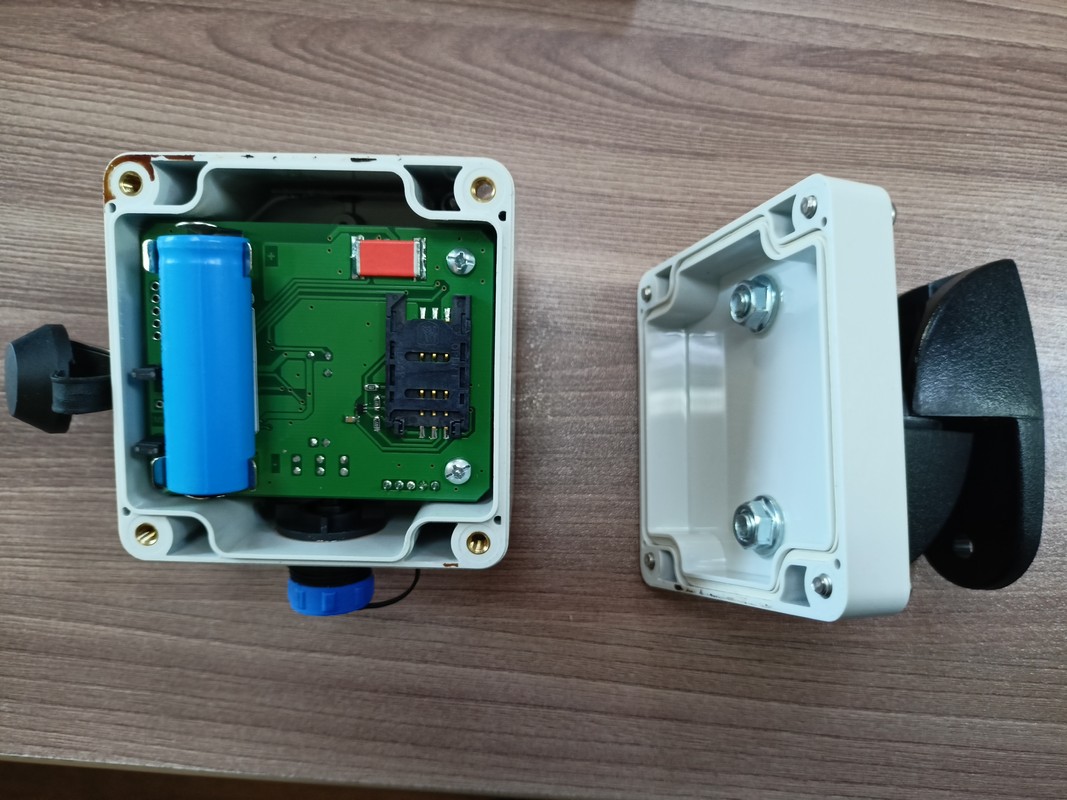
Then she'll lean back freely:
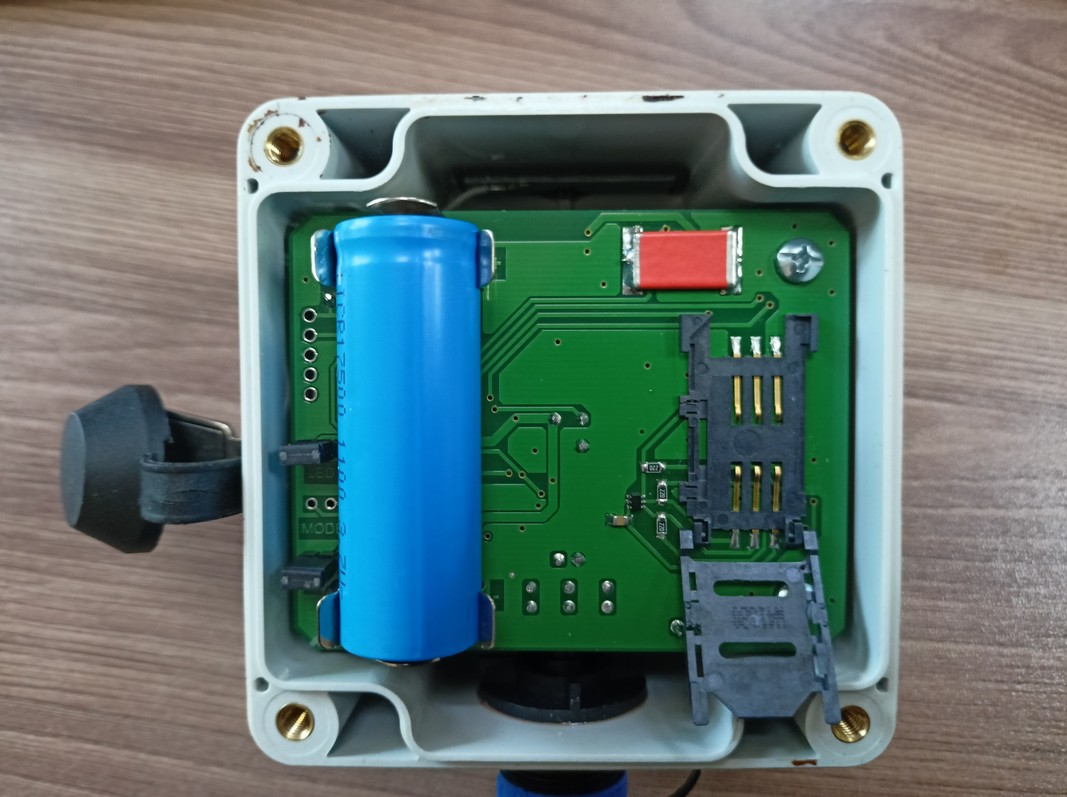
A SIM card must be inserted into this cover, as shown in the photo.:
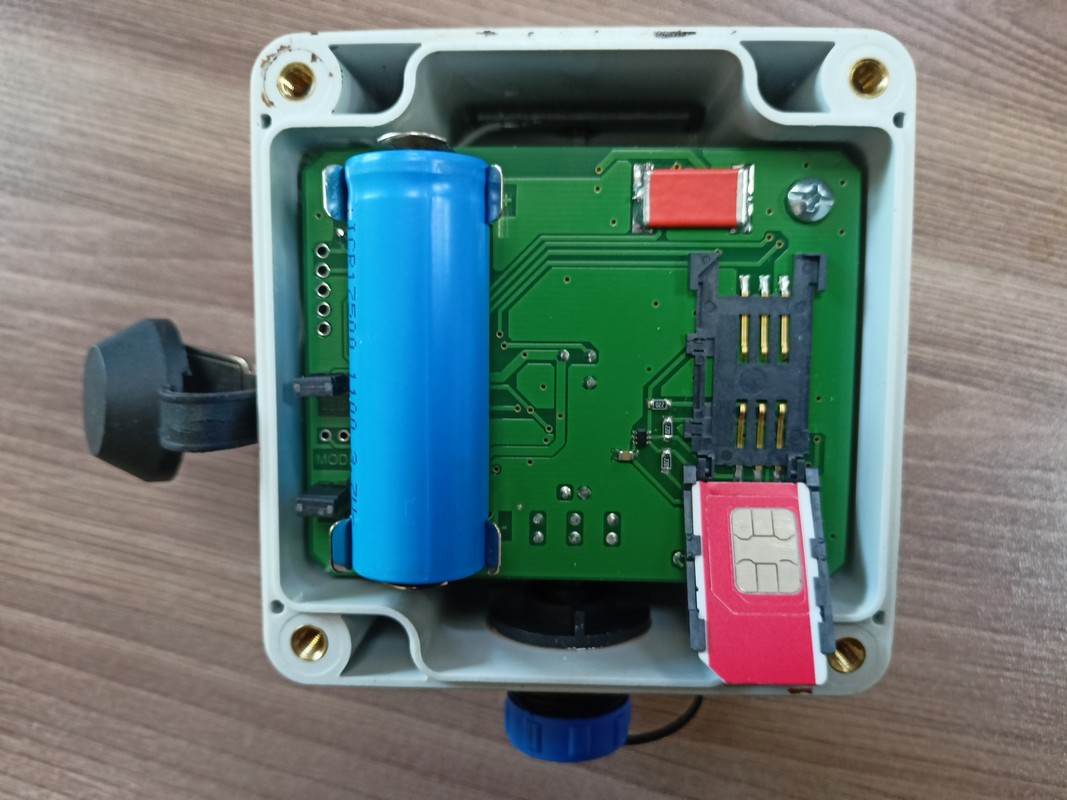
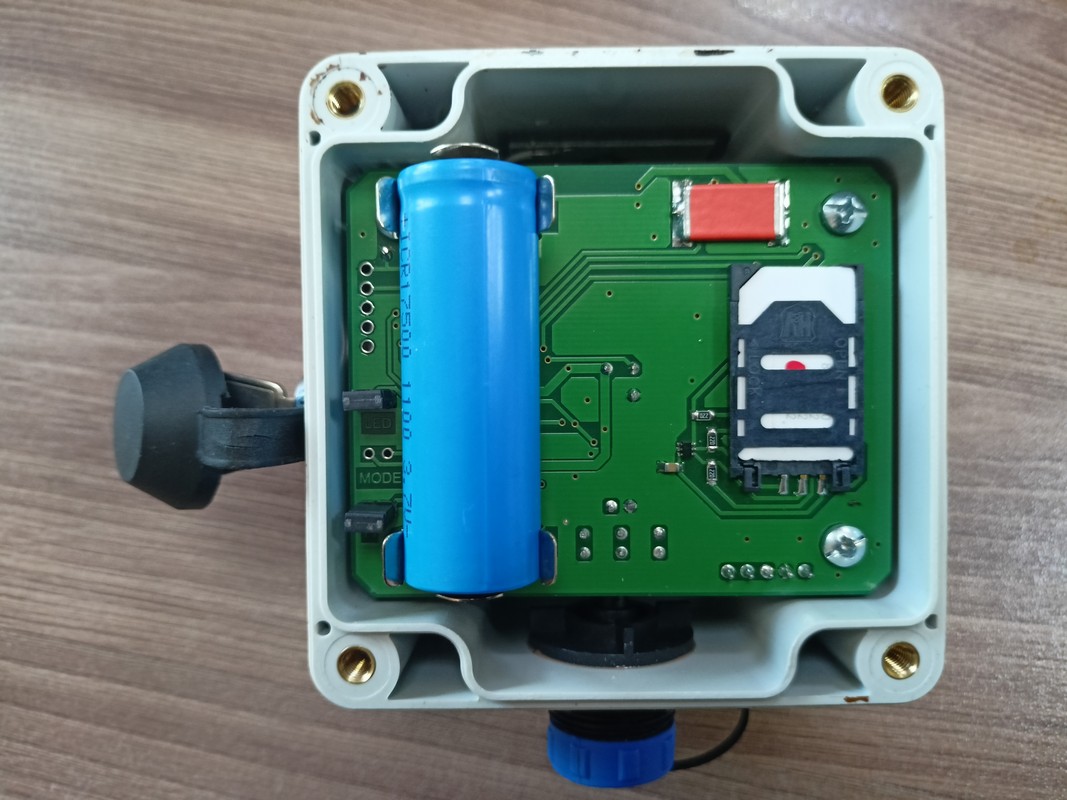
And close the lid and slide it down, that is, perform the previous steps to open the SIM card compartment cover in reverse order. The photos are clickable.
Next, assemble the two halves of the case into a single unit and tighten all four screws.
We recommend that you recharge the battery before using the detectorSPLAV L50GSM. To do this, unscrew the blue connector cover located on the bottom of the housing.
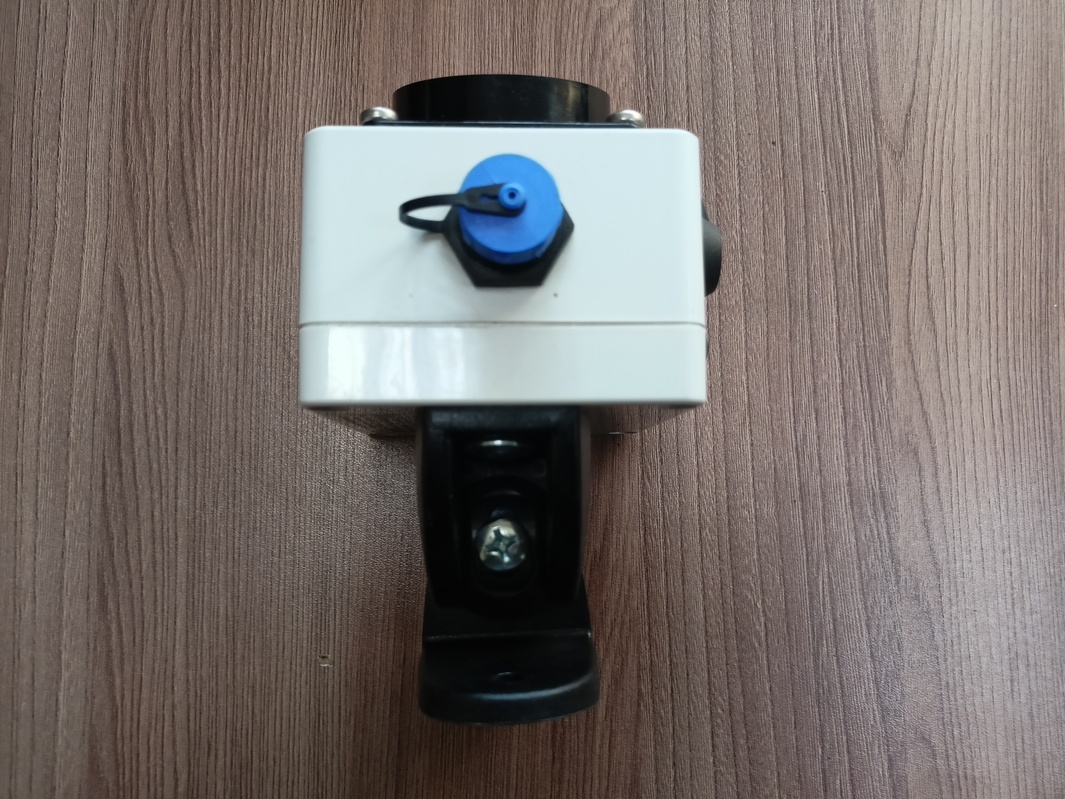
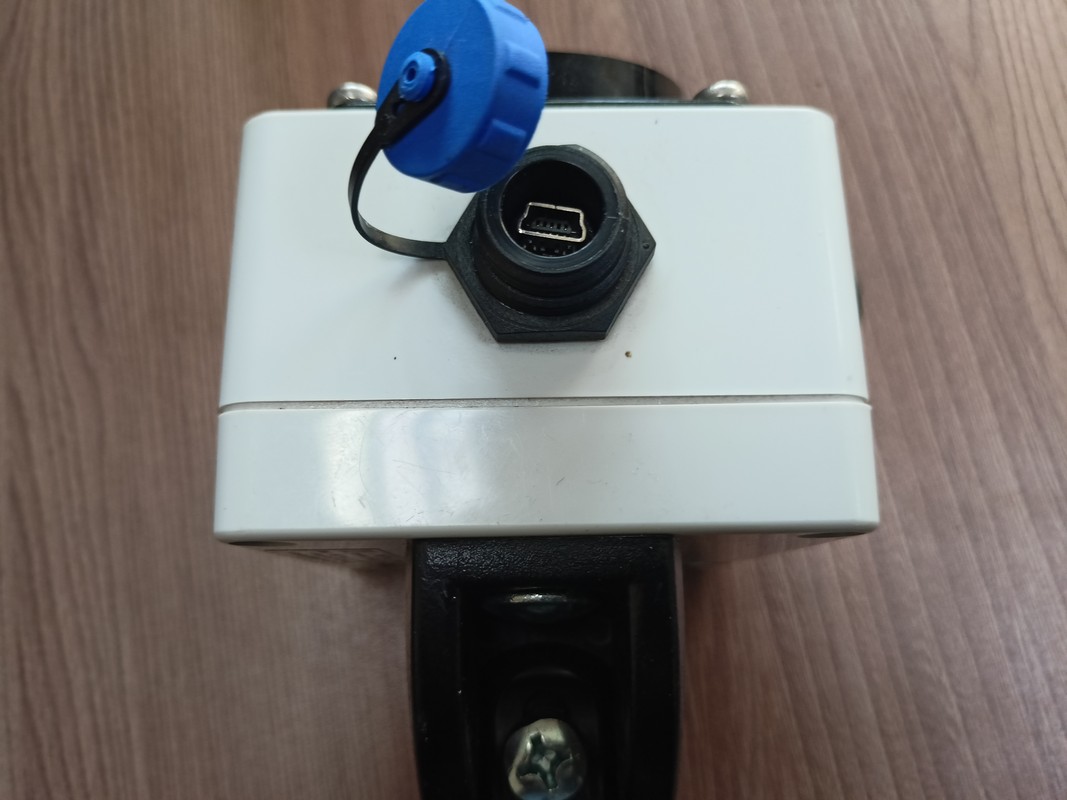
To recharge the battery, the detector kit includes a power supply with a miniUSB connector with an output voltage of 5 volts and a current of up to 1 ampere. You can use any other high-quality power supply with similar characteristics and connector.No more than 5% deviation from the specified characteristics is allowed.
The guaranteed battery charging time to 100% is 1 hour. The device is equipped with a charge balance system and is not afraid of overcharging the battery.
After all the above steps, the device is ready for use. Therefore, we are starting to test and configure the detectorSPLAV L50GSM:
Insert the key from the detector kit into the lock and turn it clockwise by 90°.
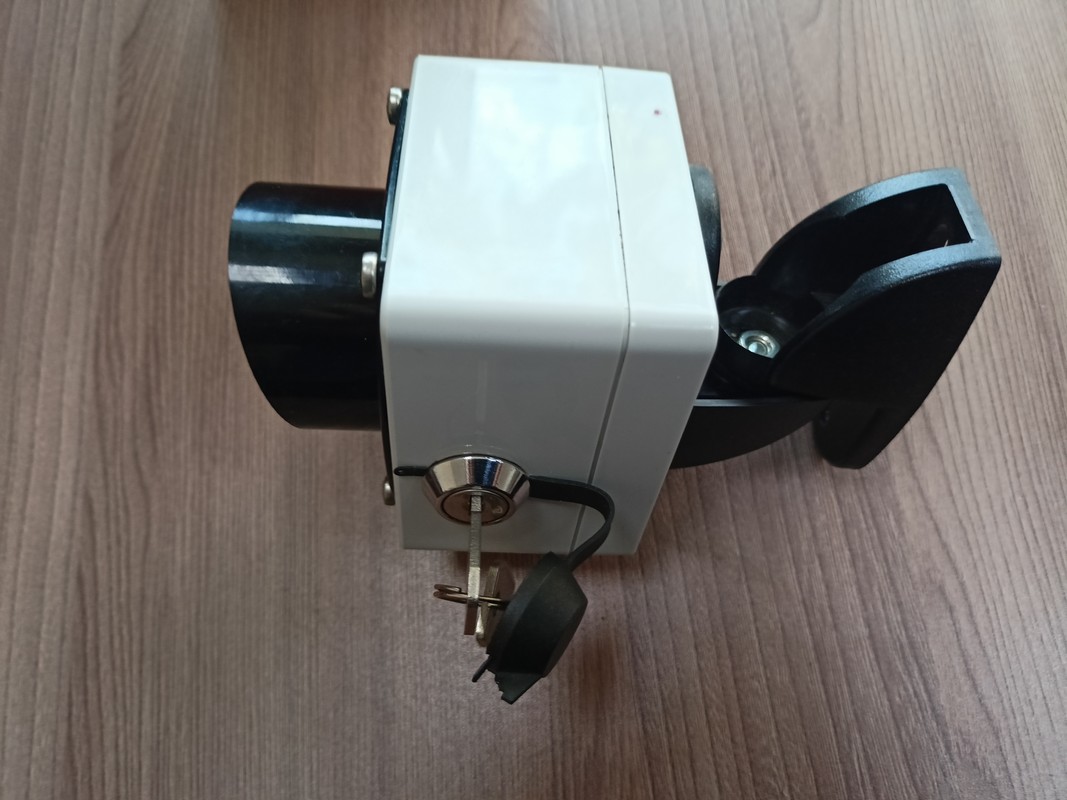
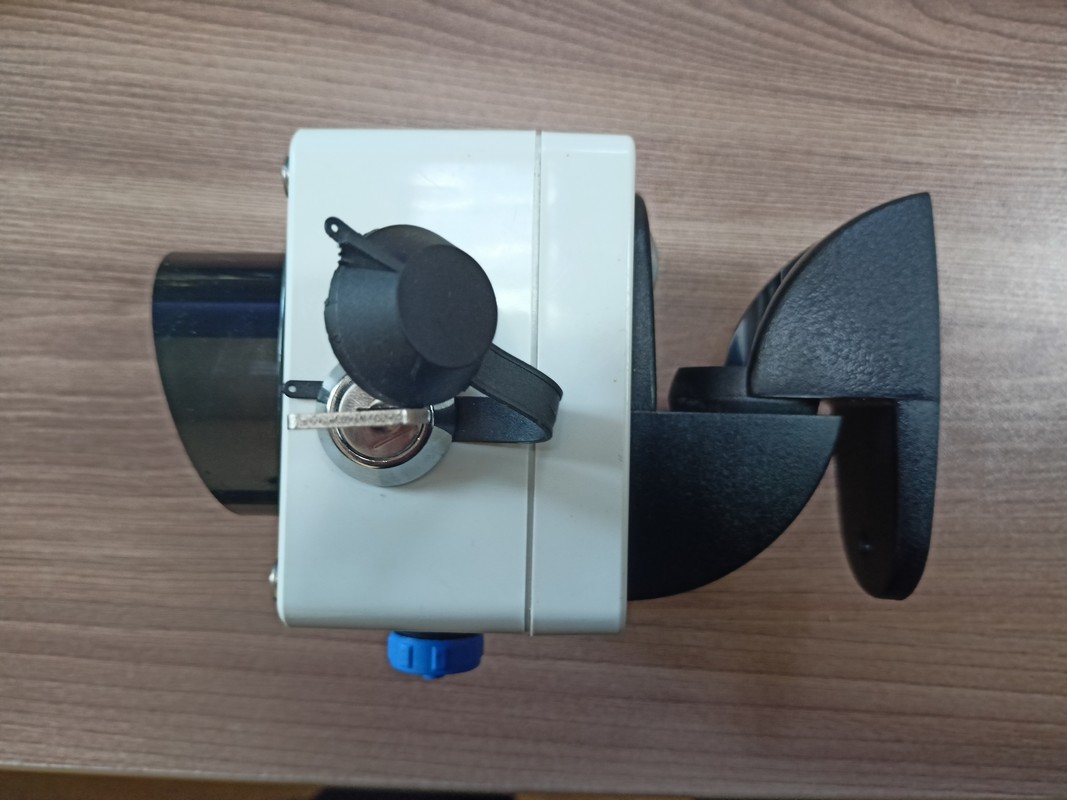
A red glow will appear on the lens side. If the voltage of the accumulator is lower than normal, the glow will be intermittent.
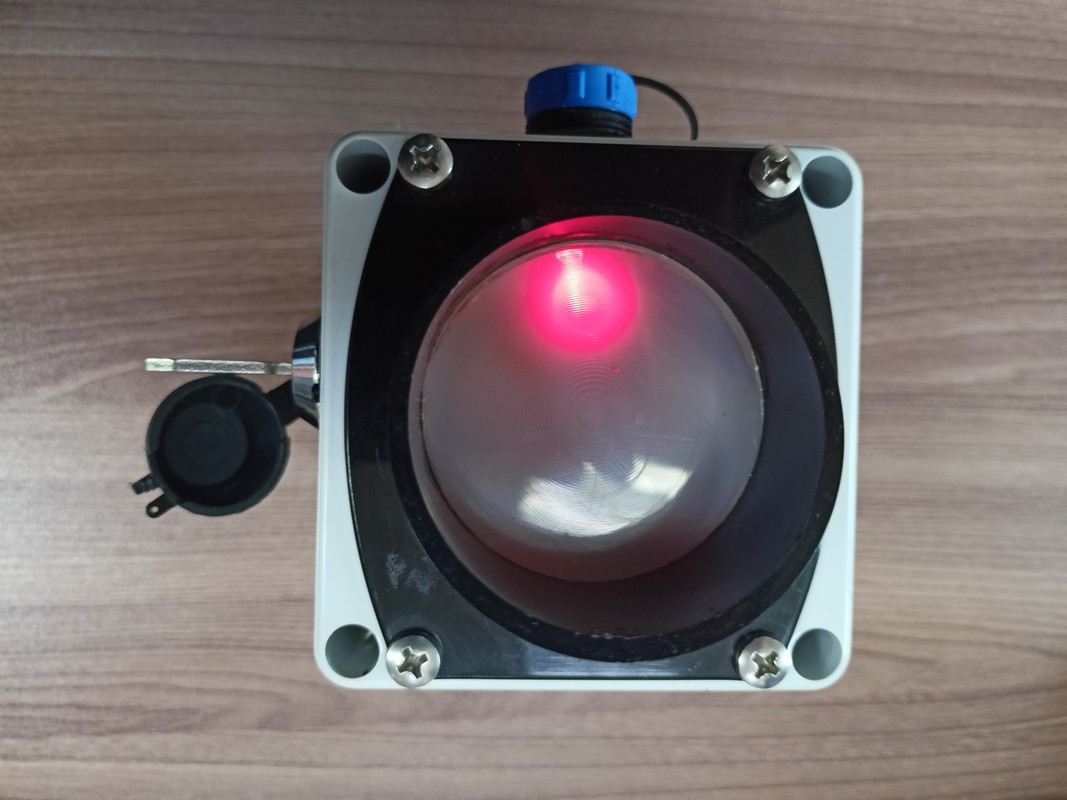
After a few seconds, the glow on the lens will turn off, which means that the detector has switched to standby mode.
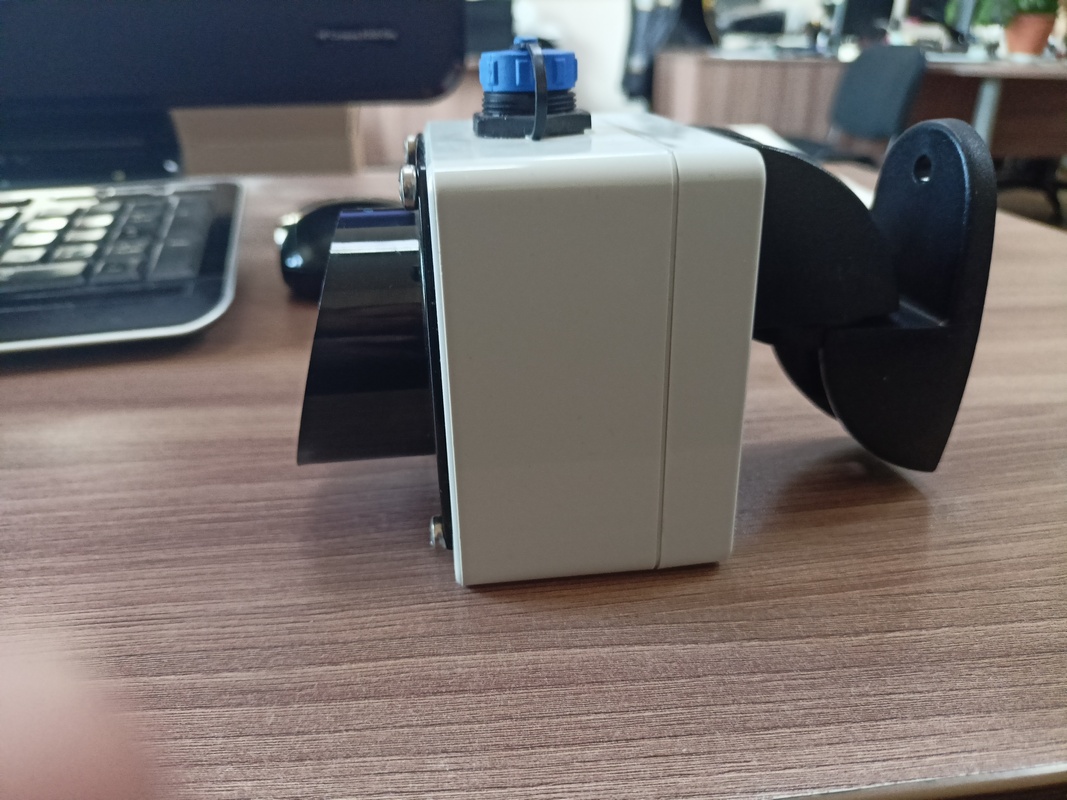
Now, if the imaginary beam of the detector lens crosses an object or the infrared background changes dramatically, a red glow appears on the lens, and the GSM module initiates a call to a subscriber named "1" in the phone book on the SIM card. The time to establish a connection with a cellular subscriber depends on the coverage of the cellular operator at the location of the detector and ranges from 10 to 30 seconds.